Learn the inner workings of C and C++ even if you are paid to be a Python Developer
Two years on a Raspberry Pi
After 2 years of self-hosting a low-traffic website on a Raspberry Pi, I can confidently say I know a little more about web servers, automation and Linux. Maybe not enough to scale a 3-5 user application! (sarcasm, my website can probably handle 10,000 concurrent users but I don't think I will ever see that)
The skills I learned helped me understand the abstractions behind Amazon Web Services and why they have 200+ services and what their use cases are.
Drawbacks to self-hosting
Self-hosting does come with many challenges. Most of the challenges are related to how much time you are willing to spend on an arbitrary problem. For example, I ran into many issues related to running a web server off an ARM architecture computer as opposed to the more common x86, which led to compiling a lot of dependencies. Sometimes your public IP address might change because internet providers hate static IPs, leading you to lose 3 hours of studying before a midterm.
These issues, although solvable, require a great amount of time and knowledge to debug, so it is not feasible for everyone.
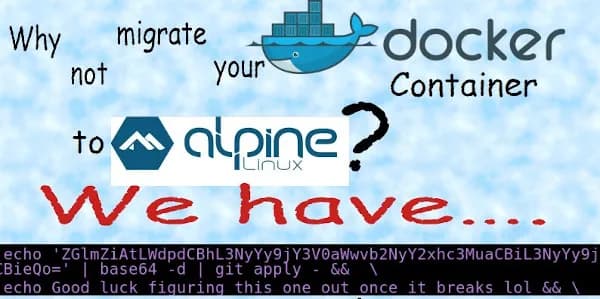
30 hours on one rsyslog error (the reason for the meme above!)
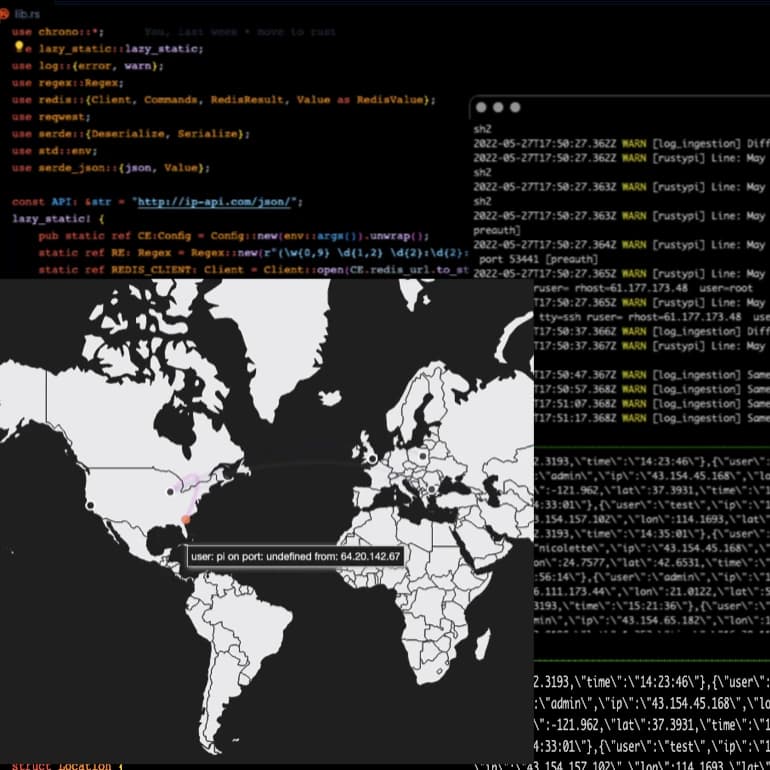
One of my favorite issues I ran into was when I initially created my Attack Map project, I wanted to send logs via HTTP. I found that the standard way on Linux to send logs was using rsyslog. I was able to find documentation on how to send logs via HTTP; however, I kept getting missing module errors. I was confused and kept trying different combinations of arguments, but nothing worked. I gave up and settled for sending them via TCP, since the producer (rsyslog) and consumer application (python script) were going to be on the same device.
I tried to fix this problem every couple of weeks but then eventually, I decided to compile rsyslog from source, and when reading the instructions for compilation I found out that the module I was using has to be enabled when compiling rsyslog.
At that point I had spent around 30 hours on this error, and I never wanted to work with Linux dependencies or packages again.
A simple fix that took me a couple of months to wrap my head around. However, I was definitely moving to AWS.
Terraform and AWS
With the knowledge I learned around AWS at Cox Automotive, I decided I wanted to migrate my Attack Map application to AWS Lambda. I wanted to practice using Terraform for the deployment of this app. I followed common patterns such as using an S3 bucket for deployment packages and Terraform state files. I separated the Terraform files into individual services. I ensured all services had the minimum permission needed.
Much of the code from the application, I was able to port easily. I had to change the way the backend sent data to the front end since before they were running on the same server but now I had to get data via HTTP.
Here is an infrastructure diagram of the attack-map in AWS.
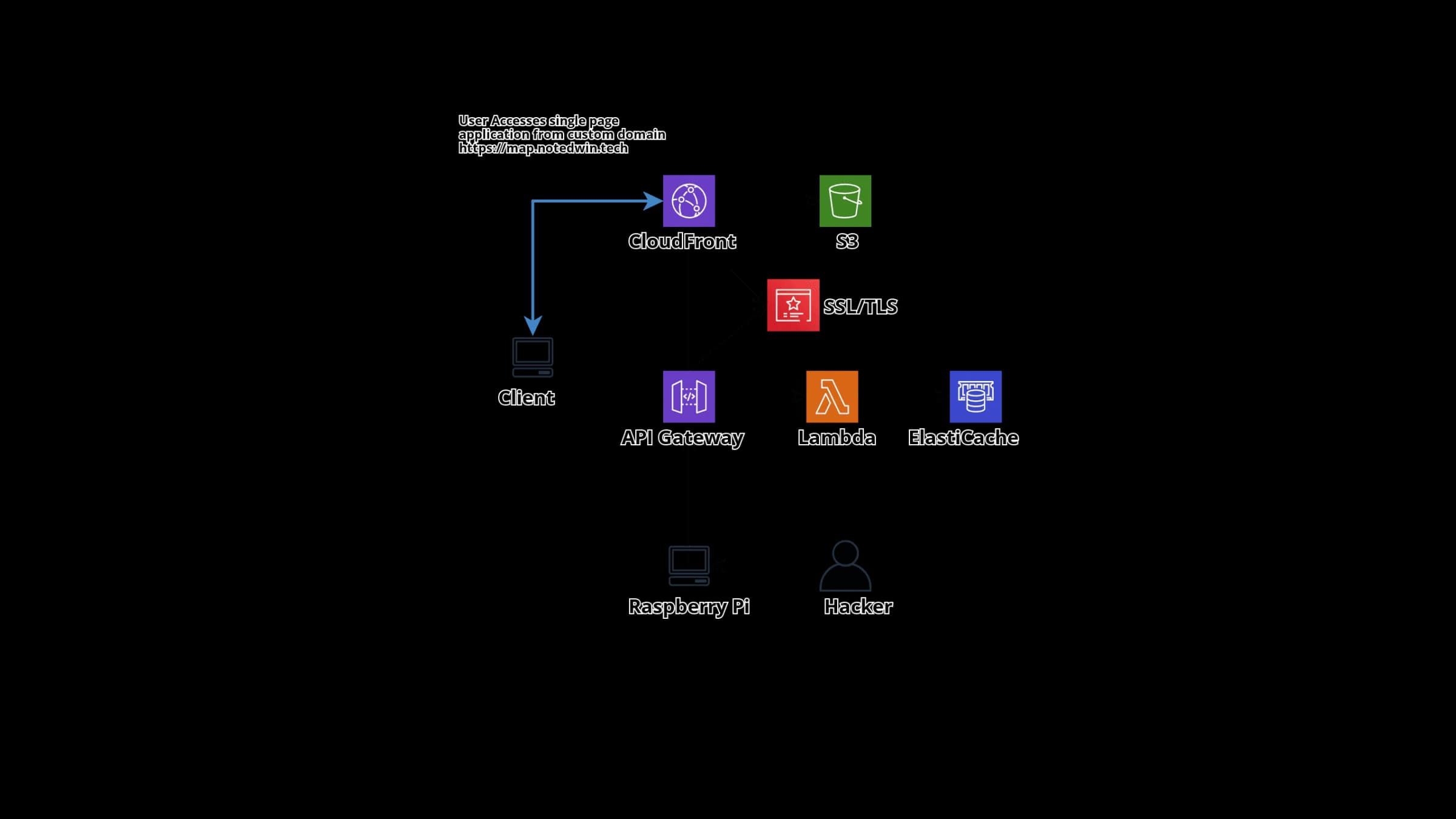
With the code ported and the infrastructure set up, I had a working application I could test on the AWS console. However, I wanted to show this as a web application so I had to add things such as Cloudflare caching and DNS, ACM and CloudFront.
I used Cloudflare since they also had a Terraform package where I could link domains to ACM in AWS with minimal effort.
# simple way to update all my subdomains when my public_ip changes
resource "cloudflare_record" "domain" {
  for_each = toset(var.subdomains)
  zone_id  = data.cloudflare_zone.domain.id
  name     = each.value
  value    = var.server_ip
  type     = "A"
  ttl      = 1
  proxied  = true
}
Once I set up Cloudflare, I needed to get an ACM certificate for the domain name. This domain would point to the front end of the application which was served as static content on CloudFront.
Single page application
The frontend for my attack map project is HTML. I was able to use CloudFront to serve this static content, while also using Cloudflare caching.
For this single page application I wanted an embedded script to run within the HTML to pull data from an API and send back the recent hackers from the past 24 hours.
The best way I found to do this was to have an API gateway forward requests to a Lambda; this Lambda then passes back an HTTP response with the necessary body. The frontend then parses the body and displays the data.
Ok, everything is working now!
WAIT! WHY IS MY AWS BILL 20 USD?
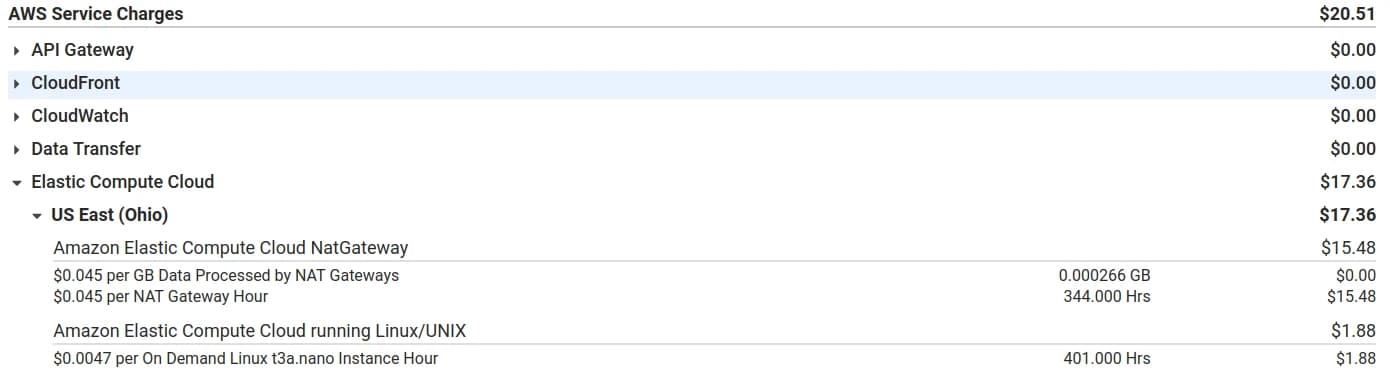
Next problem I had was that I wanted to lower the cost of my server. What was the point of moving to AWS if they are going to charge me an arm and a leg? Looking at my costs, it was all coming from a NAT gateway.
One solution I found was to run my own NAT gateway using an EC2 instance, lowering the cost down to $5 a month.
resource "aws_instance" "nat" {
  ami           = var.nat_ami
  instance_type = "t3a.nano"
  subnet_id     = aws_subnet.public-subnet.id
  associate_public_ip_address = true
  vpc_security_group_ids = [aws_security_group.nat.id]
  source_dest_check = false
}
I had issues with Next.js with their image loading and optimization, so I had to host my blog on Vercel. It is free and easy to use so I had no problem with it.
Update 3.11.22
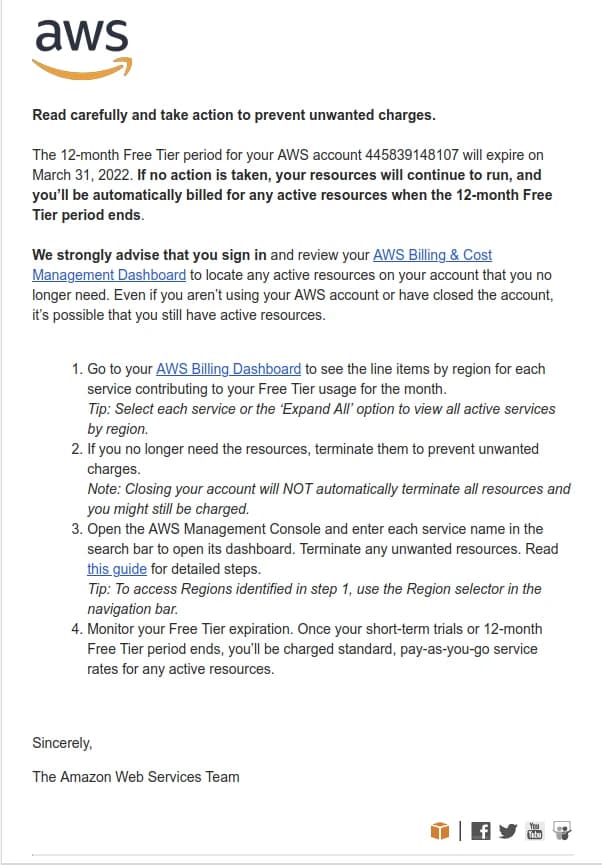
This project cost me around 100 dollars to run, and a lot of time, so I will be stopping development for now! The code is on GitHub
Update 6.11.22
I mentioned I shut down all the services running on AWS since the cost was getting ridiculous.
Managing infrastructure with Terraform was comfy, but I was not going to pay $30 a month to run Redis and some compute.
I was running one of my Lambda functions insecurely since the Lambda could be triggered by going to the URL, thus adding a charge to my account. Read more about Securing Lambda Functions
Ok, rant over.
Resources: